Boot a simulator
Start any iOS Simulator from Xcode. It appears in StupidMirror while it is booted. The screen agent is built for the simulator once, with no signing, and its ports listen on this Mac only.
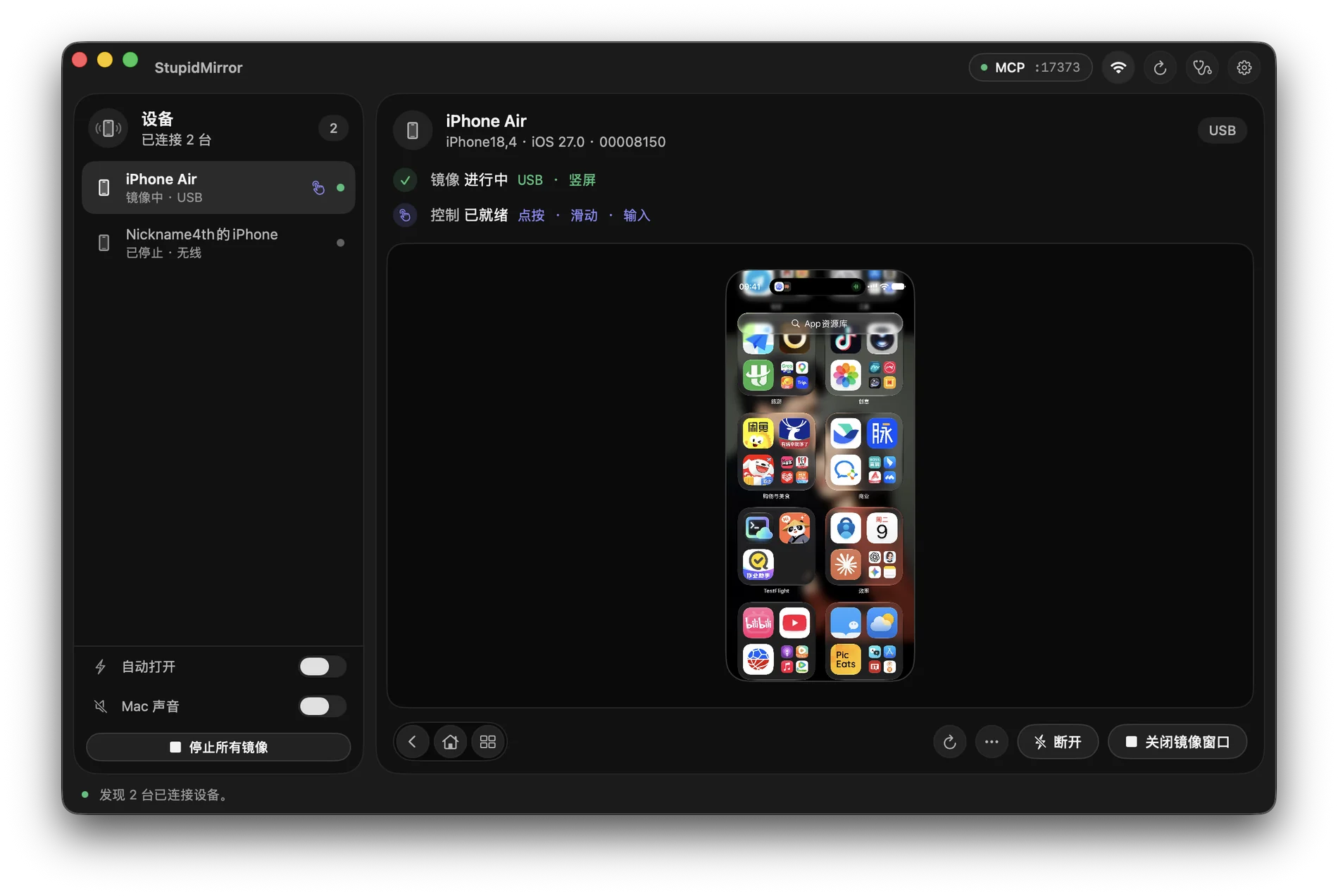
StupidMirror lists every booted iOS Simulator next to your iPhone and gives Claude Code, Codex and other MCP clients the same tools for both: read the screen, tap, type, install a build, record, verify. It runs on your Mac and needs no model API key.
Needs macOS 15 or later. Download StupidMirror 0.8.5 or later, move it to Applications and open it.
Start any iOS Simulator from Xcode. It appears in StupidMirror while it is booted. The screen agent is built for the simulator once, with no signing, and its ports listen on this Mac only.
Over USB, trust this Mac, turn on Developer Mode and run Set Up This iPhone once. The same setup turns on Wi-Fi connections, so later sessions work without the cable.
In Settings → MCP Automation, click Connect on the Claude Code card or the Codex card. Parts already installed are skipped.
Start a new session and try: “List my devices, open the booted simulator and read the current screen without tapping anything.”
Registered by Connect on the Claude Code card: a stdio bridge, so no token is written to Claude Code's configuration.
claude mcp add --scope user stupidmirror -- /Applications/StupidMirror.app/Contents/Helpers/StupidMirrorMCPBridge --app /Applications/StupidMirror.appOther MCP clients: Streamable HTTP on localhost (default port), with the bearer token from the generated configuration.
http://127.0.0.1:17373/mcp
Authorization: Bearer <token>observe_screen returns a live frame with local Apple Vision OCR; find_any_element finds a control by any of several labels.
tap_text, tap_element, swipe and long_press. Simulators use simulator system HID; iPhones on iOS 27+ use live system HID, other versions WebDriverAgent. replace_text edits a field and verifies the value.
install_app takes a simulator-built .app for a simulator, or a signed .app or .ipa for an iPhone. open_url opens deep links; activate_app and terminate_app start and stop apps.
wait_for and assert_screen check that text appears or disappears before the agent moves on.
start_recording saves the live mirror as an .mp4 of up to 10 minutes in ~/Movies/StupidMirror.
set_device_posture sets an iPhone Duo simulator to Closed, Partially Open or Open, with a compatible Xcode runtime.
The MCP server listens on 127.0.0.1 only, and the simulator agent's ports stay on this Mac. Capture, playback and OCR run locally; StupidMirror does not upload the screen to a model provider. Your AI client receives the screenshots and tool results it asks for, under its own data settings.
Mirror and control one device at a time without signing in, whether a simulator, an emulator or a real phone. Running several at once, such as a simulator or emulator next to a real phone, needs the iTool yearly membership: ¥99/year with Alipay or US$26.49/year by card. It covers every iTool product; the monthly plan does not include StupidMirror.
iTool yearly membershipYes. Booted iOS Simulators appear automatically next to real devices. They are not mirrored until you or your agent opens one, so a simulator running UI tests is left alone.
For simulators, yes: Xcode provides the simulator. For a real iPhone, setup signs the screen agent with an Apple Development identity on this Mac, and live system touch on iOS 27+ needs a compatible Xcode. Android needs no Xcode.
Yes, with the same tool names. Run Set Up This iPhone once over USB with Developer Mode on; after that the iPhone works over USB or Wi-Fi.
Yes. Android 11+ phones and Android emulators connect over ADB and use the same MCP tools.
One device at a time is free without signing in. Several devices at once need the iTool yearly membership, ¥99/year or US$26.49/year.
Call list_devices, then pass device_id to each tool. Simulators and real devices share one list.
Not through StupidMirror. The server listens on 127.0.0.1 only. Screenshots your AI client asks for go to that client and follow its data settings.